
Best practices for communicating about Trellis
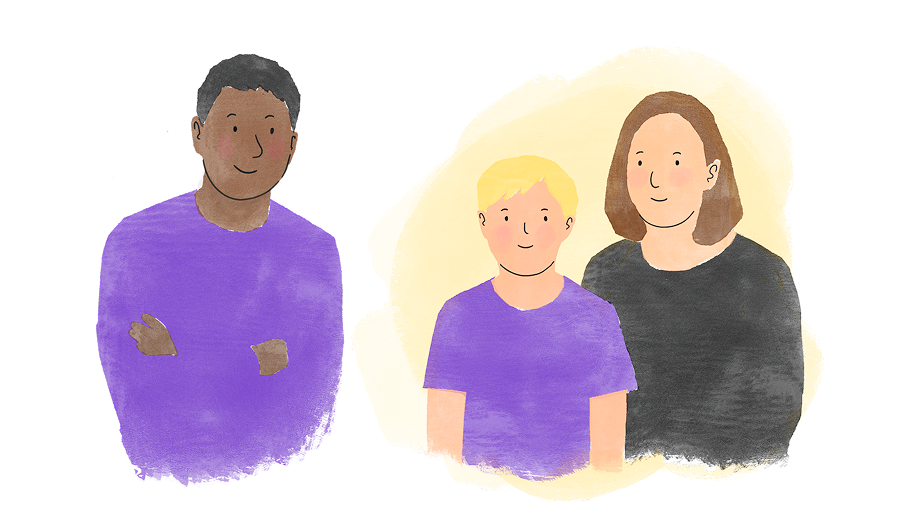
1. Let all attendees know in advance
We find that most people prefer to be notified before the meeting, rather than when it’s about to start. When you arrange the meeting, or a few days before it’s scheduled, you could send an email that says something like:
“We’re trialling a new tool called Trellis for Team Around the Child meetings. It records audio of everyone speaking, to help with note-taking and sharing minutes more promptly. You can read more about it at https://trellis.scot/help. Just let me know if you prefer not to be recorded.”
We recommend including a link to our help page, because it answers common questions from parents, carers, and learners. For example, it confirms that no attendees are able to listen back to the meeting recording. We’re continuously improving our FAQs, so please let us know if there’s anything you think is missing.
Some schools have included something on Trellis in their newsletter, or sent out an email to all relevant families. Your council may be able to help prepare these.
Don’t forget to notify external professionals, too - we’ve been made aware of a couple of occasions where this has been an issue. They should check with the council if they have any concerns.
2. Give people the option to say no
We provide suggested wording in our recording flow to help you give people an opt-out at the start of the meeting. This wording is based on feedback we’ve received.
People seem to appreciate hearing the reason behind being recorded: to help with note-taking and sharing minutes more promptly.
We recommend asking “Is anyone not comfortable with being recorded?” as this makes it easier for someone to speak up compared to asking if everyone is comfortable.
If anyone declines, don’t try to persuade them - just proceed with the way you would have taken notes before Trellis existed.
If you have time, please drop us a line at support@trellis.scot to let us know this happened and any reasons they gave. If we understand what people are worried about, we may be able to make changes.
3. Have a normal conversation
Some Trellis users have asked if they need to change their meeting style to get Trellis to work well. You don’t need to do that. We’ve built Trellis to adapt to normal conversations - whether people talk fast or slowly, go off on tangents or are strictly structured. Trellis will capture the right information in the right sections, so you can focus on being present.
We find it’s best if people can forget about being recorded during the conversation. You might want to angle the screen away from the other attendees, or turn down the brightness, so they’re not looking at the soundwave being recorded.
4. Encourage everyone to give feedback
We want everyone to feel involved in how Trellis evolves. Our ultimate aim is to support learners, so we want to hear about anything we can do to make their experiences better where Trellis is involved.
Parents, carers and learners can provide anonymous feedback via https://forms.gle/Ki8Jy5oaWcLSmyDz5 or the QR code at the bottom of Trellis-generated documents.
If any of them express interest in speaking with one of our team, we would absolutely love to set up a call or in-person meeting.
And, as ever, we want to hear your feedback as Trellis users, too! If you haven’t already, please respond to our quick survey (which includes some questions about interactions with families in relation to Trellis): https://forms.gle/AZDPZ8sRF6rKz4zc7
You can also email support@trellis.scot or give us a call on 0141 459 1348 if you prefer.

More resources
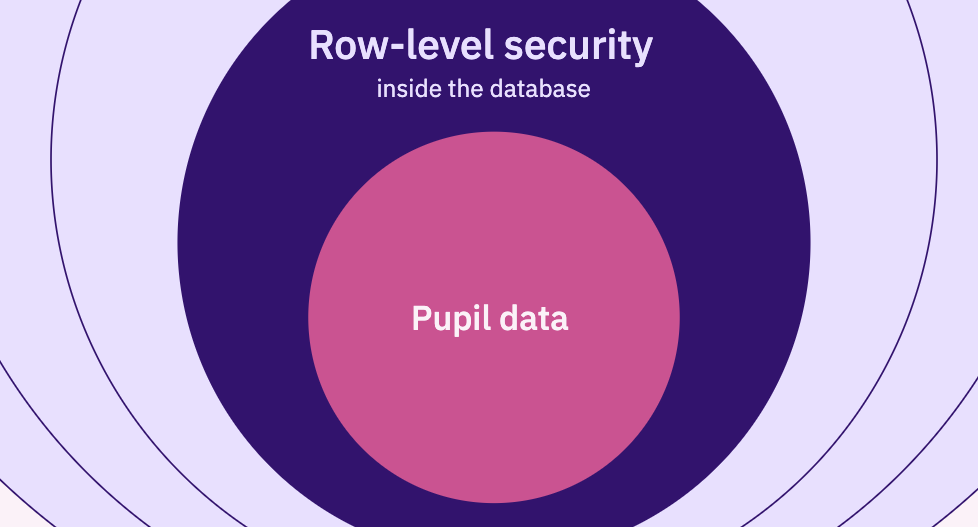
How Trellis protects pupil data

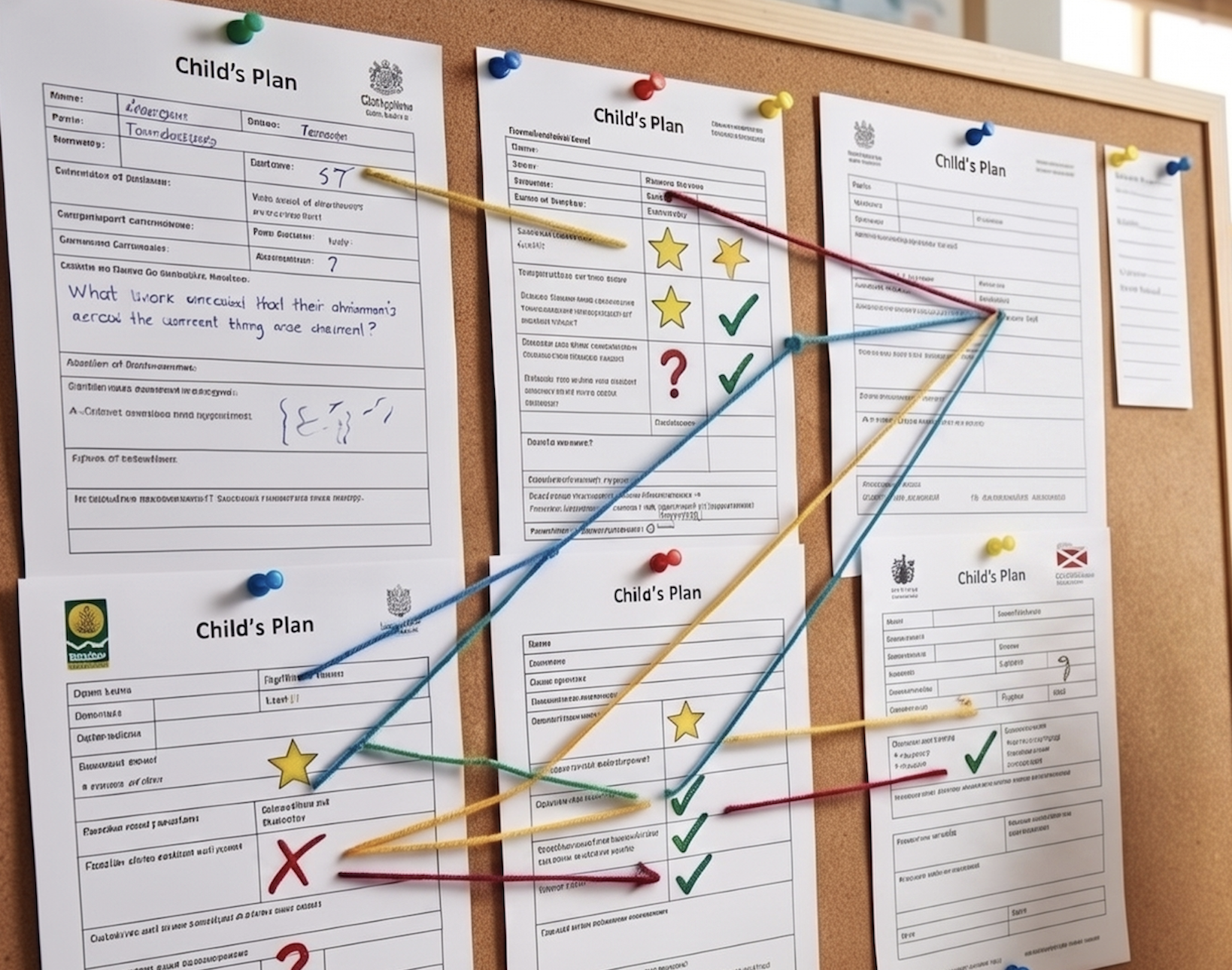
270 Fields and Counting: Finding the Essence in Scotland's Varied Child’s Plans

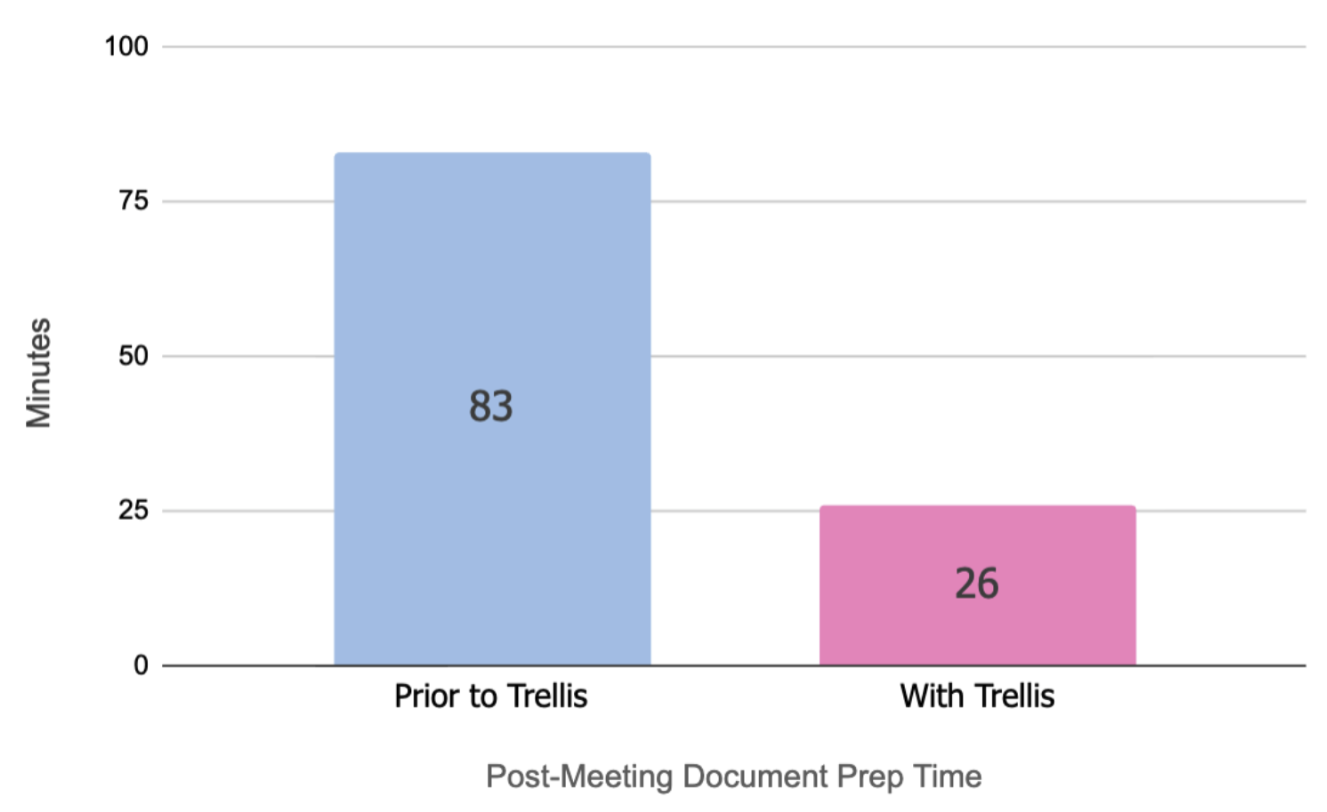
Teacher Survey results

© Trellis Education Ltd. 2026 | Company no. 16500654
