
Getting started with your Trellis account
1. Start Your Trellis Experience
This step should take 10-15 minutes in total and we ask that you do this at a time when you are unlikely to be interrupted. You will need to do this at school, as Trellis is only accessible on approved internet networks.
Log in with the instructions provided to you by your Trellis support contact.
You will then be prompted to begin a tour of the app. This takes you through the process of recording a meeting and reviewing the generated documents.
2. Give Trellis a try in a real meeting
You might be tempted to give Trellis a go by recording some general chit chat, or a staff meeting, and see what it comes back with. We do not recommend this - Trellis has been developed specifically for Child’s Planning support meetings. In other scenarios, the documents will not be generated, or may have confusing content.
The recording flow does include a soundcheck, so you will be able to tell if the microphone is working. We advise giving Trellis a try for the first time in a real meeting.
3. Know where to find more information
Check out https://www.trellis.scot/resources for more articles.
These include:
- Communicating about Trellis with families
- How to fix common technical issues
- Top things to watch out for in Trellis AI-generated documents
- Tips to capture the learner’s authentic views
4. Talk to us!
We usually set up designated online drop-in sessions which you should have received an invite to. We use these to hear your feedback on how you’re getting on with the app, and troubleshoot anything needed.
But please get in touch with us as soon as you have any issues or questions via support@trellis.scot or 01414591348.

More resources
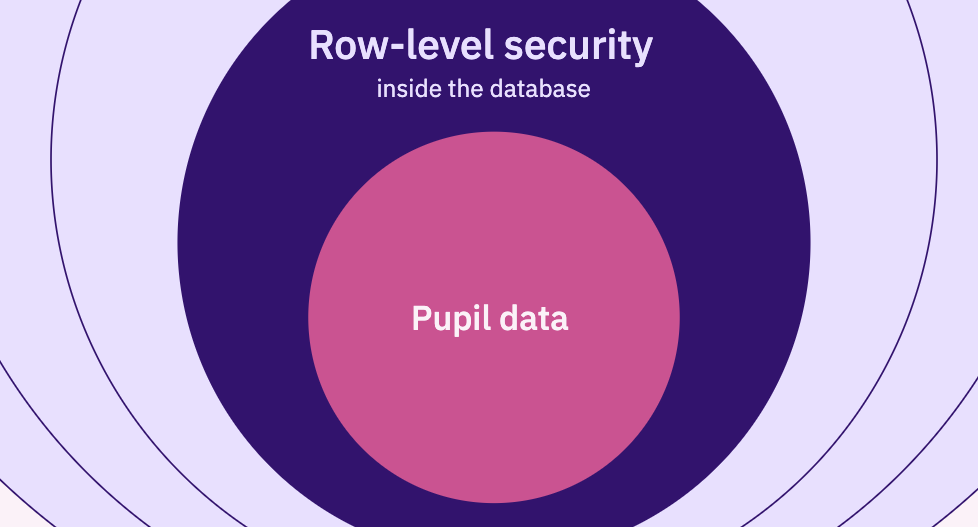
How Trellis protects pupil data

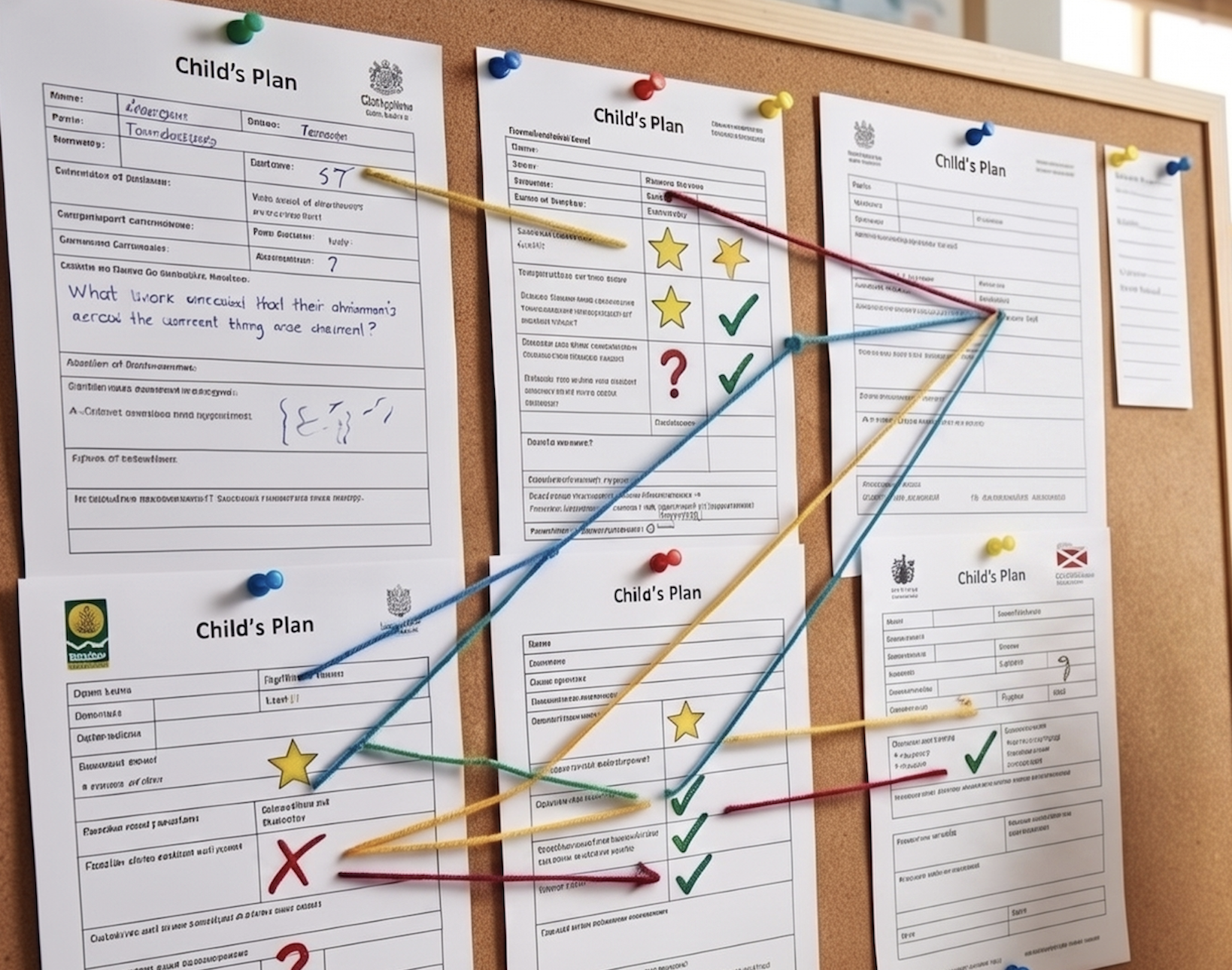
270 Fields and Counting: Finding the Essence in Scotland's Varied Child’s Plans

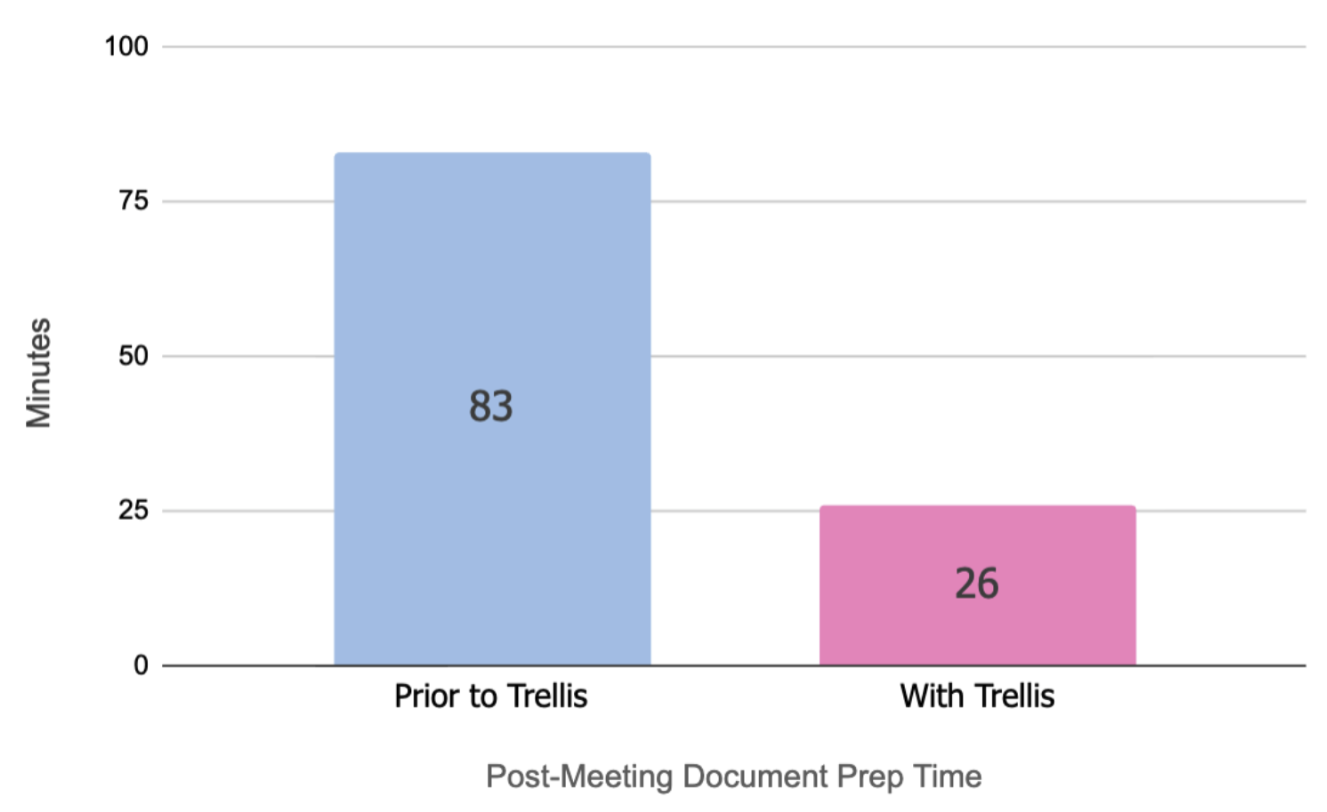
Teacher Survey results


© Trellis Education Ltd. 2026 | Company no. 16500654
