
‘Why not just use Copilot?’
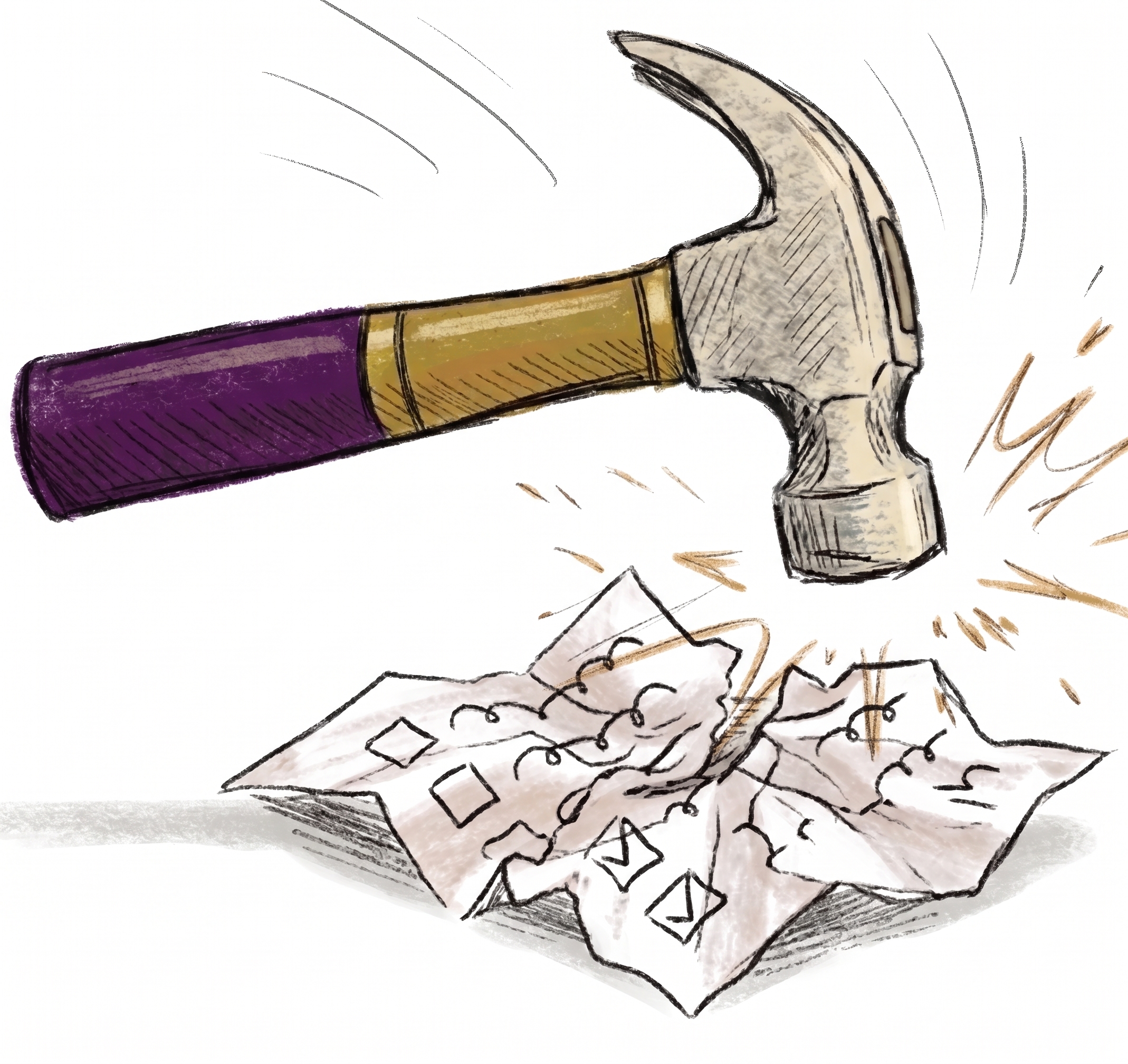
Trellis and Copilot are also tools for different purposes. Copilot is a generic tool, designed to be somewhat useful in a wide range of contexts. Trellis is a specific tool, designed for teachers to use in child planning support.
1. Easier to use
The Trellis web app is a simple step-by-step process, guiding teachers through setting up a meeting, reviewing AI output and downloading documents. You can take a peek here [insert link to a public version of the walkthrough or demo].
“Really user friendly and straightforward.” — Primary teacher, Falkirk
We’ve built Trellis so that meeting participants can just speak naturally, rather than having to signpost sections, modify their accent or avoid jargon. The output is also in UK rather than US spelling.
"Our meetings are not highly structured – it's so clever at working out what needs to be put in each section." — Primary Teacher, Fife
The AI prompts and settings used in Trellis are tailored to ensure appropriate language in these contexts. We’ve banned vague timescales like “ongoing”, and made sure to output SMART targets.
Trellis works well even in environments with patchy wifi, or if a laptop lid is closed mid-meeting (99.97% audio upload success rate). We’re working on a dedicated iPad app, too.
2. Quicker
Copilot produces a free-form wall of text. Trellis maps meeting outputs into 20 distinct fields to be compliant with government frameworks (like GIRFEC in Scotland). This means you don’t have to copy-paste text into the right boxes yourself.
"You get a sense of satisfaction. It's all there, in the boxes ready for you." — Special School Teacher, Renfrewshire
On average, Trellis is reducing post-meeting write-up time by 68%, from 83 minutes to 26 minutes. Over 93% of documents are now shared with families and other agencies the same day, compared to an average of 12 days historically.
3. Safer
Trellis is what we call a ‘human-in-command’ tool - it is an assistant, not replacing professional judgment. Teachers are trained on how to use Trellis, and the interface requires them to edit and confirm the output before it is finalised into downloadable documents.
The AI output is structured into specific categories like strengths, risks and strategies - which helps to avoid hallucinations. Teachers can type in the names of everyone present in the meeting, which helps to make sure the learner’s views aren’t misattributed.
The only data being processed is the meeting audio - teachers can’t upload files that Trellis shouldn’t have access to. We don’t hold audio or raw transcripts for any longer than necessary to create the documents. Data is stored in the UK, and we’ve passed rigorous cybersecurity tests including penetration testing, ISO27001 and Cyber Essentials certifications. Trellis is integrated with council Single Sign-On (SSO) systems (RM Unify and Entra ID) and blocks non-school IP addresses to prevent unauthorised access.
–
The pilot tested Trellis across 7 Scottish Local Authorities in over 700 real meetings. We regularly asked teachers, learners and families for feedback in order to make sure our system was working well, and we continue to evaluate and improve things.

More from the blog
.jpg)
From meeting minutes to joined-up support: can AI improve multi-agency working?

Can AI help make ISPs fit for the classroom?
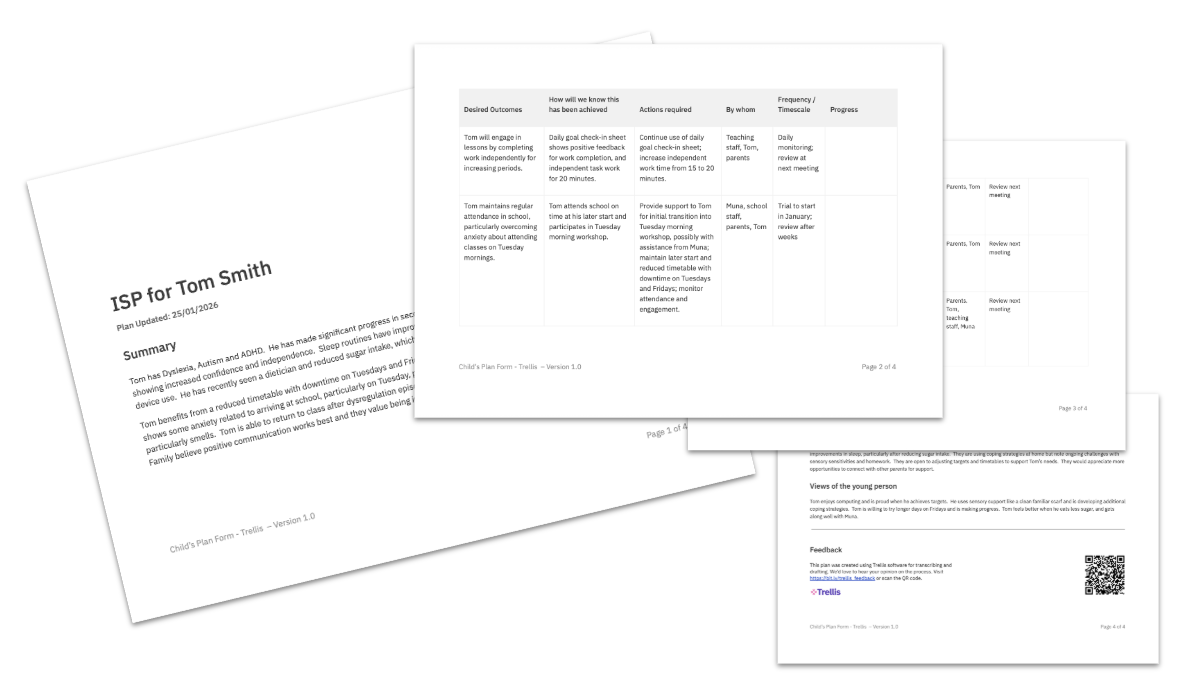
Example Trellis Output Documents