
Top 7 things to watch out for in Trellis AI-generated documents

1. Number of targets
In the “Desired Outcomes” table, Trellis tends to err on the side of suggesting more options than you might typically include in a Child’s Plan. That’s because we don’t want a computer to make professional judgments on your behalf.
Trellis defaults to including all targets that are implied in the discussion, then it’s up to you to select the most relevant and useful ones to keep in the Child’s Plan.
2. Making targets SMART
We know that it’s hard - for both humans and AI! - to make targets SMART (Specific, Measurable, Achievable, Realistic, and Time-bound). And the discussion in the meeting might not explicitly cover all aspects of making each target SMART.
Some elements of the targets might therefore be left blank, or seem vague. For example, you might need to firm up how the target will be measured. And in the frequency/timescale, it might say “Ongoing” or the date of the next meeting by default - you should replace this with something more specific if you can.
3. Assigning actions
During the meeting, people might not explicitly agree who will be responsible for each action discussed - this could be because it’s assumed to be obvious, or because the chair of the meeting needs to go away and figure out who can do it.
Trellis might therefore leave the responsible individual as blank, or enter something more general like “Pupil Support Team”. You should replace this with whoever is best placed.
4. References to other young people
Sometimes, the conversation might mention other young people, for example a learner’s sibling or classmate. As you know, the documents shouldn’t disclose personal information about other young people.
Trellis does occasionally refer to these other young people by name in the drafts. You should replace these with their initials if it’s important to include that detail, or otherwise paraphrase with something more general.
5. Spellings
We now have the option for you to add names of attendees in the recording flow, to make sure they’re spelled correctly. But Trellis might struggle to spell other names, for example your school, and other services specific to your local area.
6. Language and nuance
Trellis is pretty good at taking out obviously inappropriate language, such as swearing. However, these discussions are sensitive and there may be instances where you would word things differently, given the context.
This could be, for example, the language used to describe feelings and behaviours.
We’ve also been made aware of discussions where staff are being diplomatic when the learner is present to save their feelings, but the documentation might need to outline their challenges more directly.
7. Second-hand views
When the learner isn’t present in the meeting, their parent/carer might voice their perspective on what the learner is thinking or feeling. Trellis sometimes uses this to populate the “Views of the learner” section of the documentation.
We advise only including what you have directly heard the learner say in this box, either within or separate from the meeting. (We have another article on how to make sure the learner’s views are captured accurately, with more detailed recommendations on this.)
–
So, to recap our tips:
- Select the most relevant and useful targets only
- Make sure the targets are SMART
- Assign actions to appropriate individuals
- Remove references to other young people by name
- Check spellings of e.g. organisations and services
- Re-word things for nuance and sensitivity
- Ensure no second-hand views are misrepresented as being first-hand
If you have any feedback or questions about using Trellis, contact support@trellis.scot or 0141 459 1348. Parents, carers and learners can provide anonymous feedback via https://forms.gle/Ki8Jy5oaWcLSmyDz5

More resources
How Trellis protects pupil data

270 Fields and Counting: Finding the Essence in Scotland's Varied Child’s Plans

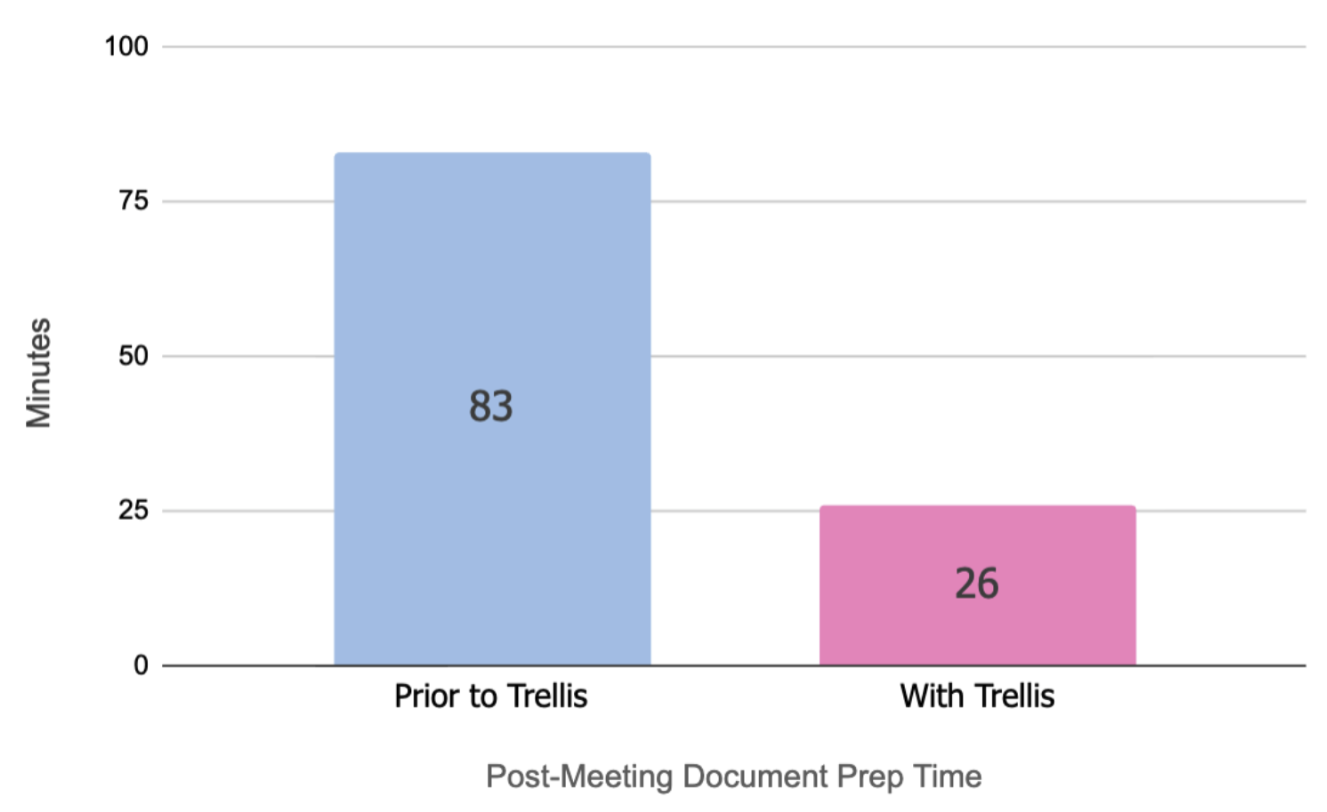
Teacher Survey results


© Trellis Education Ltd. 2026 | Company no. 16500654
